
The Mac feel,
on Fedora.
MuhOS is a free, open-source desktop for Fedora Linux: a macOS-style menu bar, a glass dock, floating windows and apps to match, on the Hyprland compositor.
Fedora 44 and 45, x86_64 · Free and open source (AGPL-3.0)
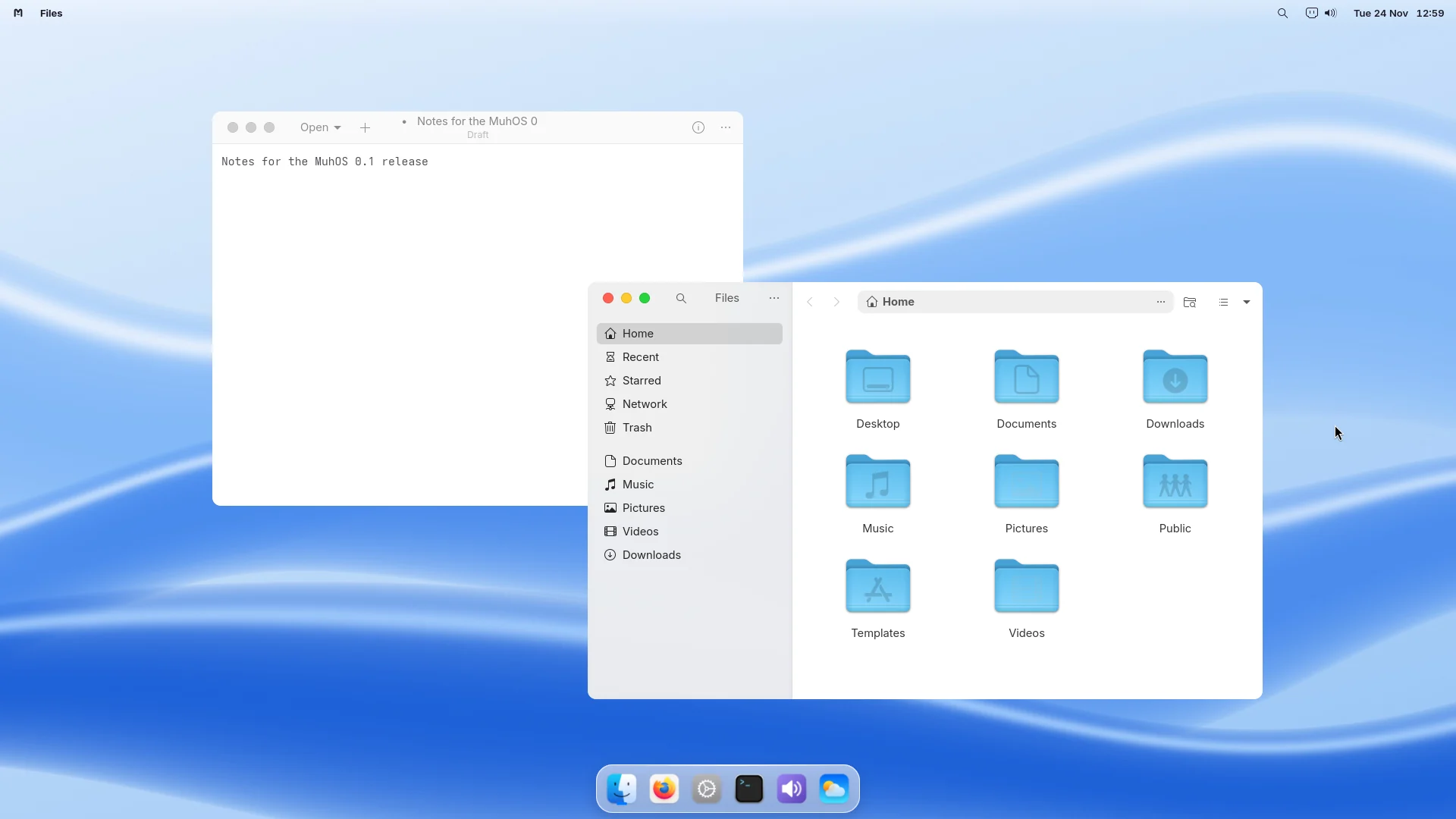
Everything where you expect it.
If you've used a Mac, you already know your way around. If you haven't, it takes about a minute.
Menu bar
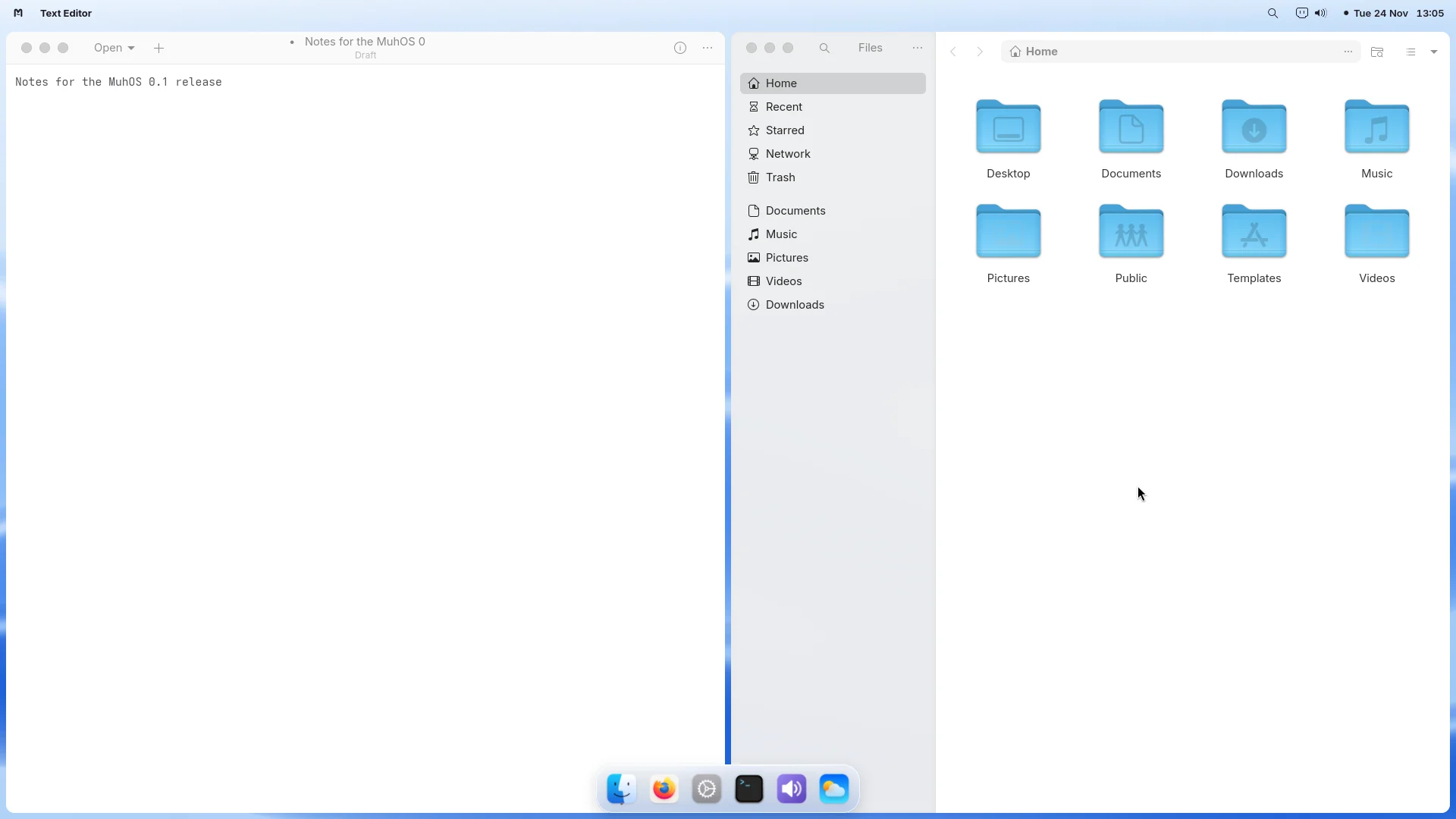
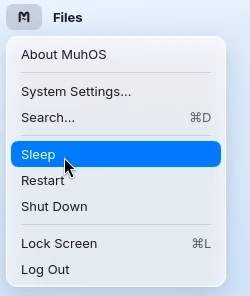
The logo menu for settings, sleep, restart and log out; the app you're using in bold; status icons, search and the clock on the right.
Glass dock
Your apps on frosted glass. Icons magnify under the pointer, and running apps get a dot.
Floating windows
Windows open centred and overlap, with close and zoom buttons on the left. Super+T tiles one when you want it.
Spotlight-style search
One search for apps, files, system actions and quick sums. Apps you use most come first.
Notifications
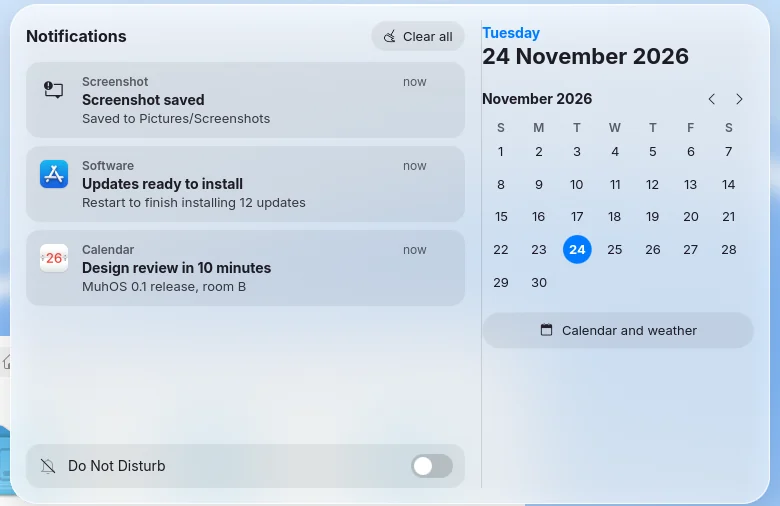
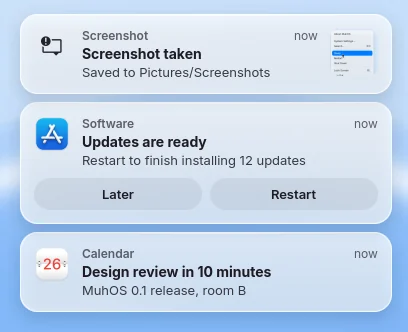
Glass banners with pictures and buttons, a notification centre with a calendar, and Do Not Disturb.
Your colours
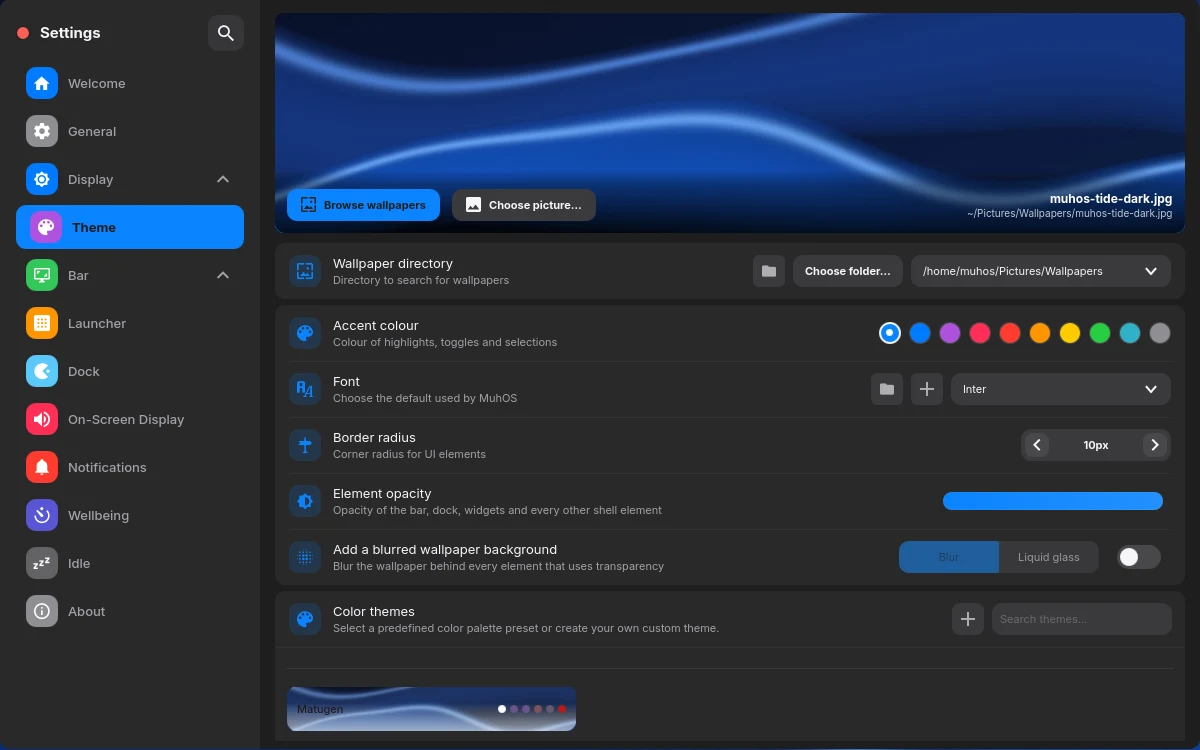
Light and dark modes, macOS-style presets or colours taken from your wallpaper, and ten accent colours.
All your apps
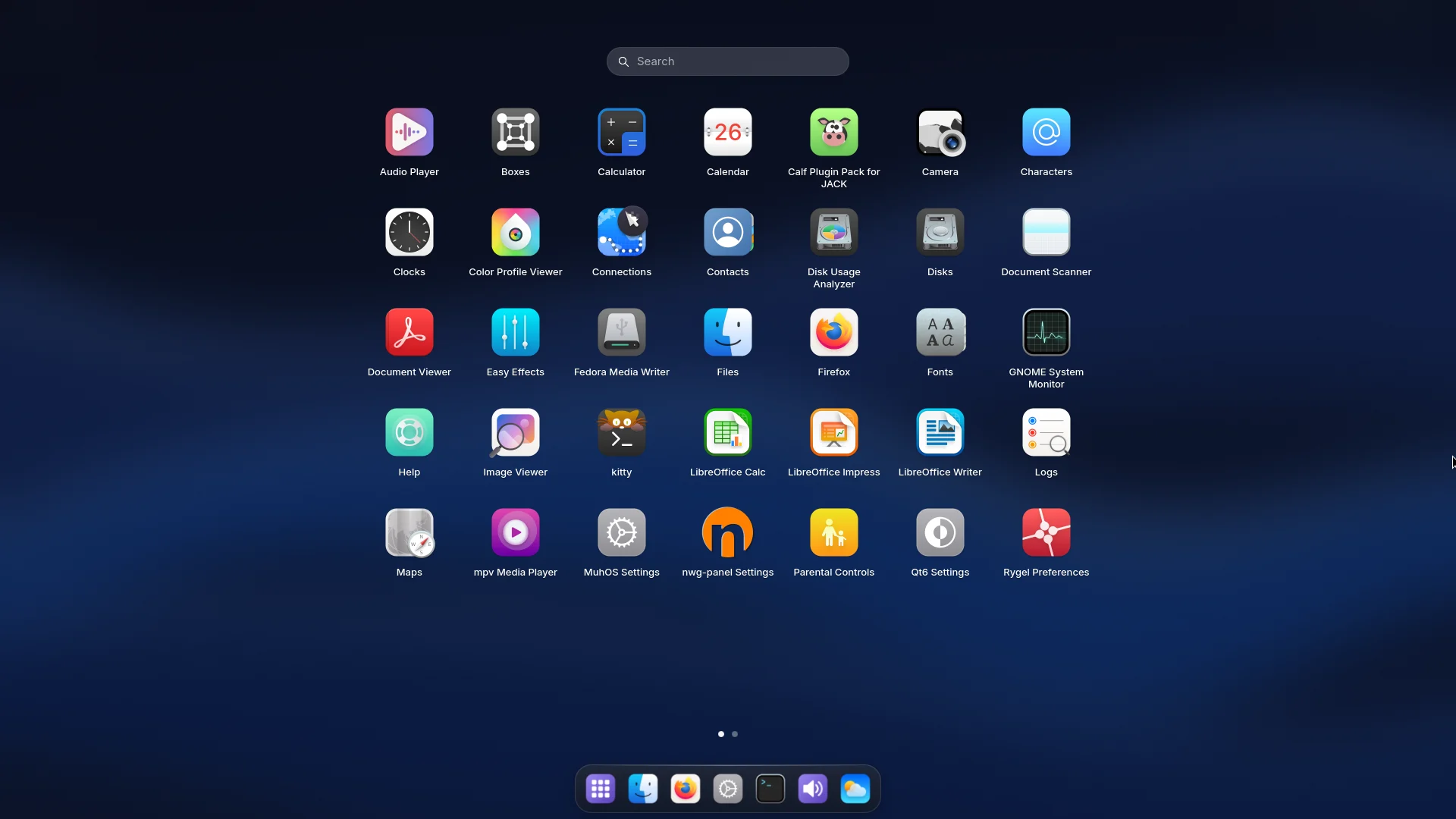
The Apps icon in the dock shows every app in a grid, like the Apps view on a Mac. Type to find one.
Equaliser
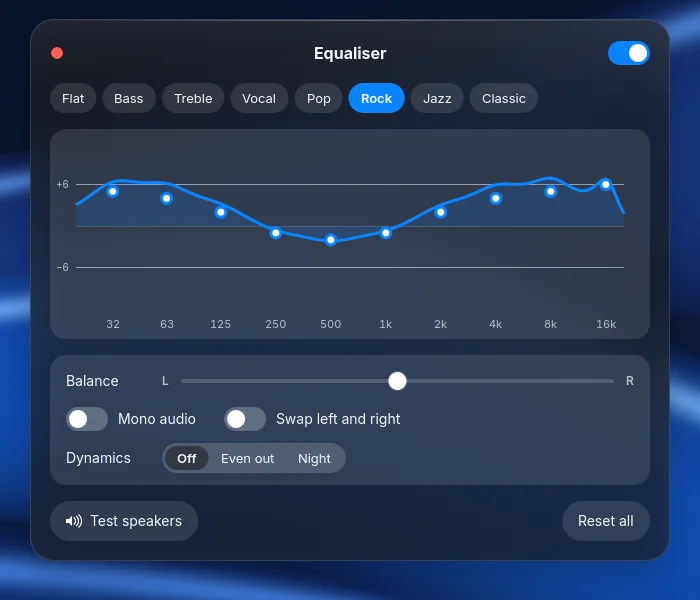
Ten bands, presets, balance and night mode, built on PipeWire itself: about 5 MB of memory, off when flat.
Private lock screen
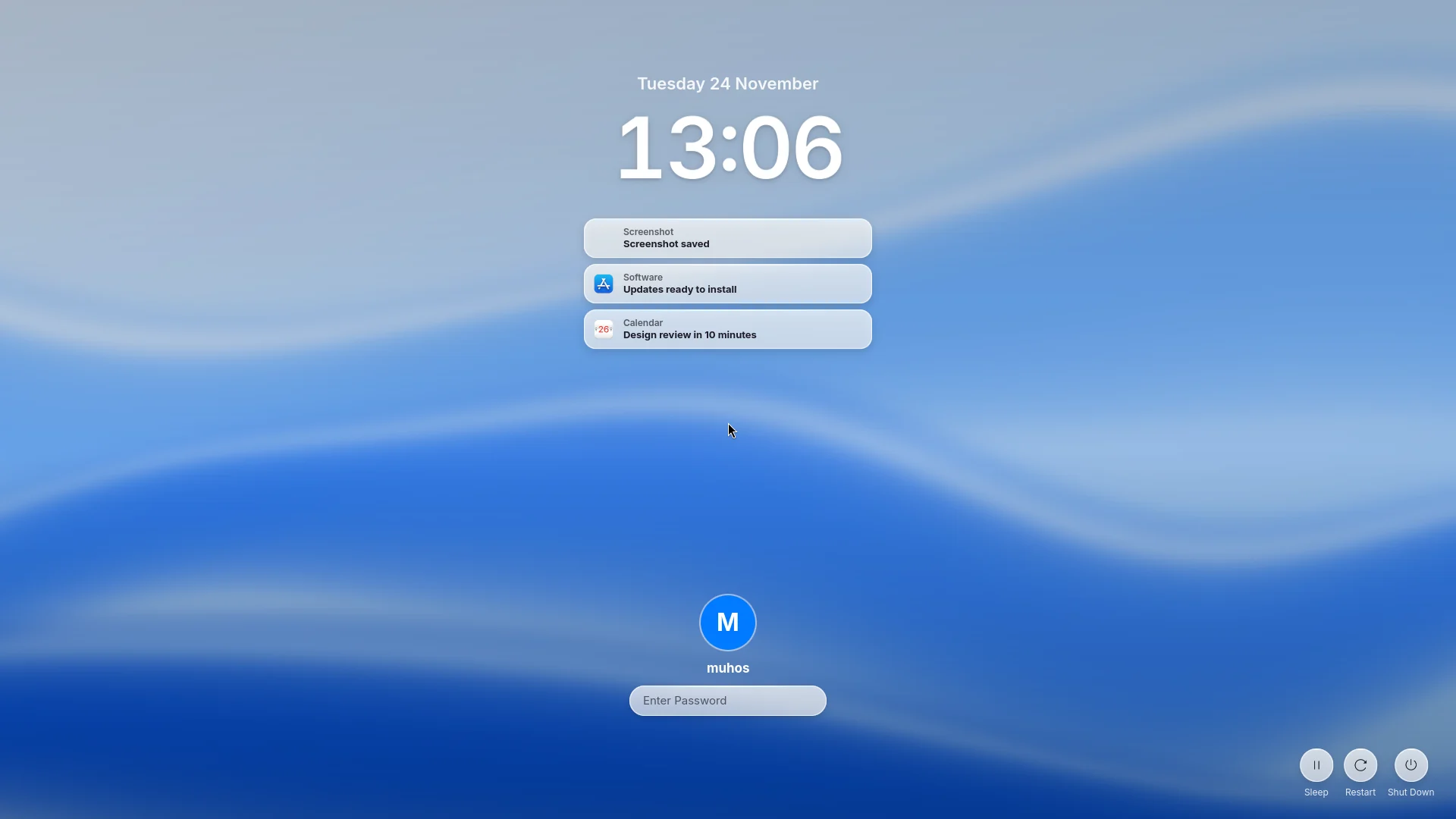
A big clock over your blurred wallpaper. Notifications show their titles only, never what they say.
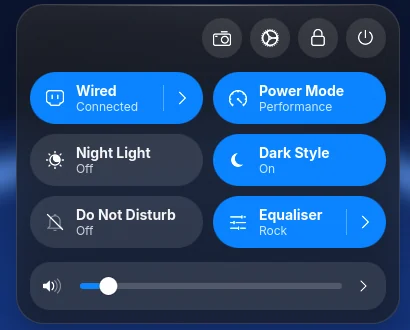
Control centre, the way you know it.
Network, Bluetooth, power mode, night light, dark style and Do Not Disturb in one glass panel, with volume and brightness sliders.
- Arrows lead into network, Bluetooth, sound and equaliser settings.
- Screenshot, settings, lock and power are one click away.
- A glass indicator shows volume and brightness changes.
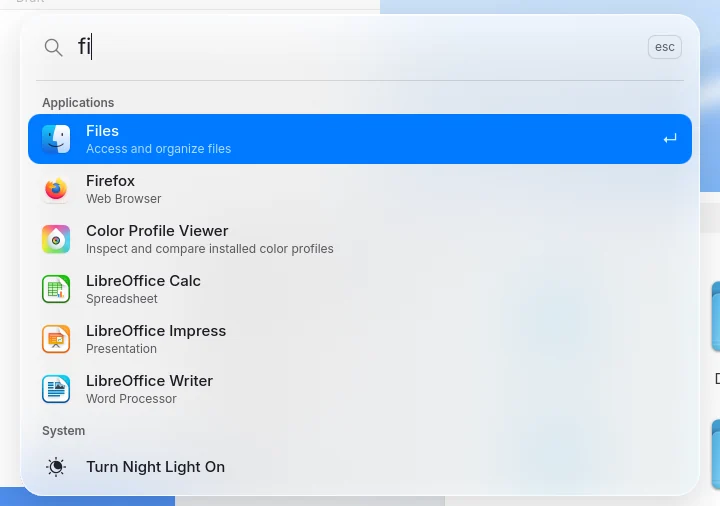
Find anything, fast.
Press Super+D or click the magnifier. Type a few letters to find an app, a file in your folders, a setting, or the answer to 18*7+2.
- Power actions only appear after three letters, so a stray Enter can't restart your PC.
- Results learn which apps you open most.
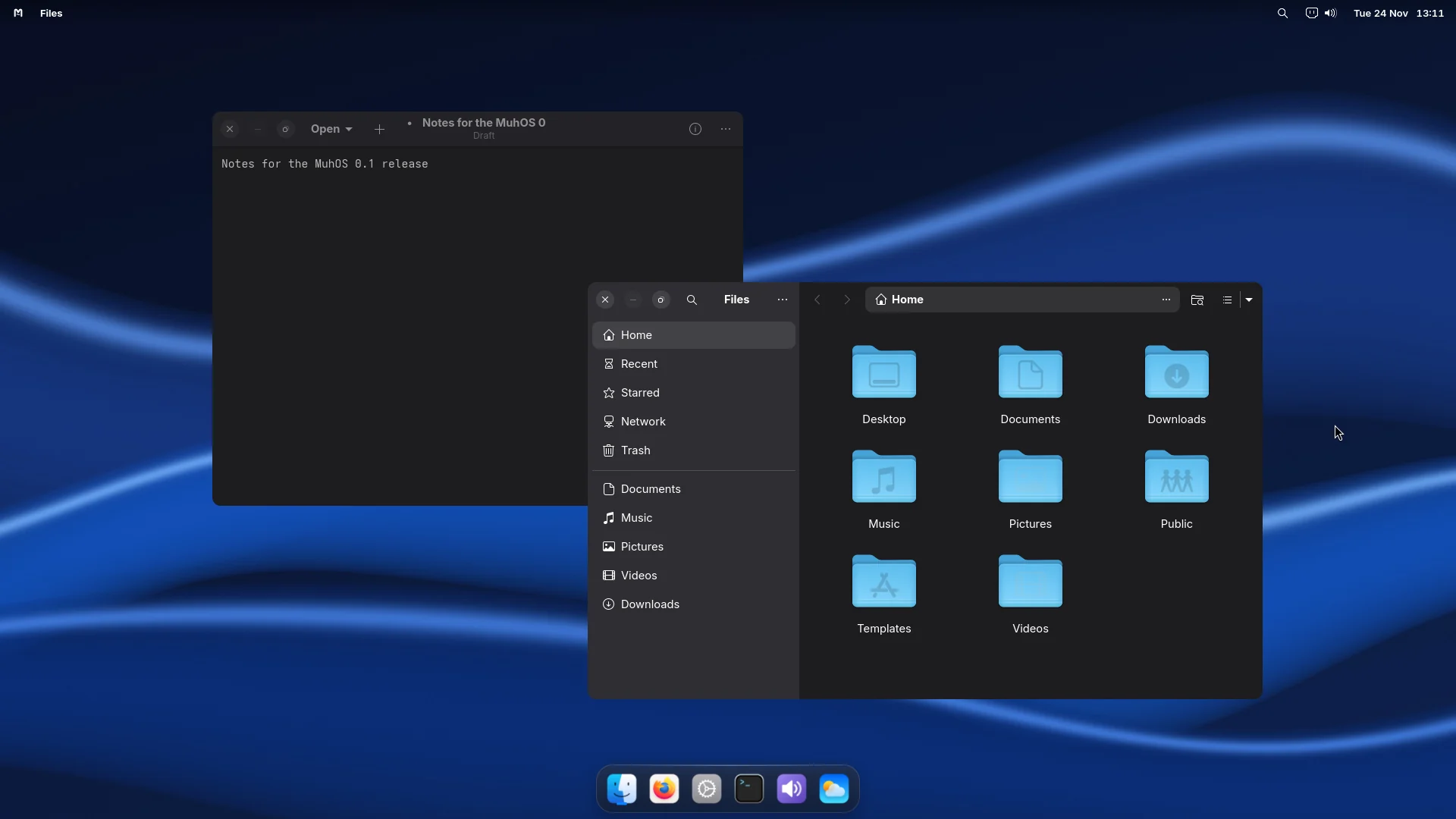
Take a look.
Real screenshots from MuhOS 0.1, in a Fedora 44 virtual machine.
Built properly for Fedora.
MuhOS installs as ordinary Fedora packages and leaves the rest of your system alone.
Leaves your setup alone
It adds a "MuhOS" choice to the login screen. GNOME and your existing settings are left as they were, and MuhOS keeps its own app theme so GNOME keeps its own.
Private by default
No telemetry and no background location lookups. You choose how it updates: by hand with muhos-update, a daily notification, or automatically.
Measured, not guessed
Every change is tested in Fedora virtual machines, and performance claims come with reproducible benchmarks.
Open source
AGPL-3.0, built on Serpantinum by Illia Miroshnichenko and the Quickshell toolkit. Every bundled font, icon and sound has a listed licence.